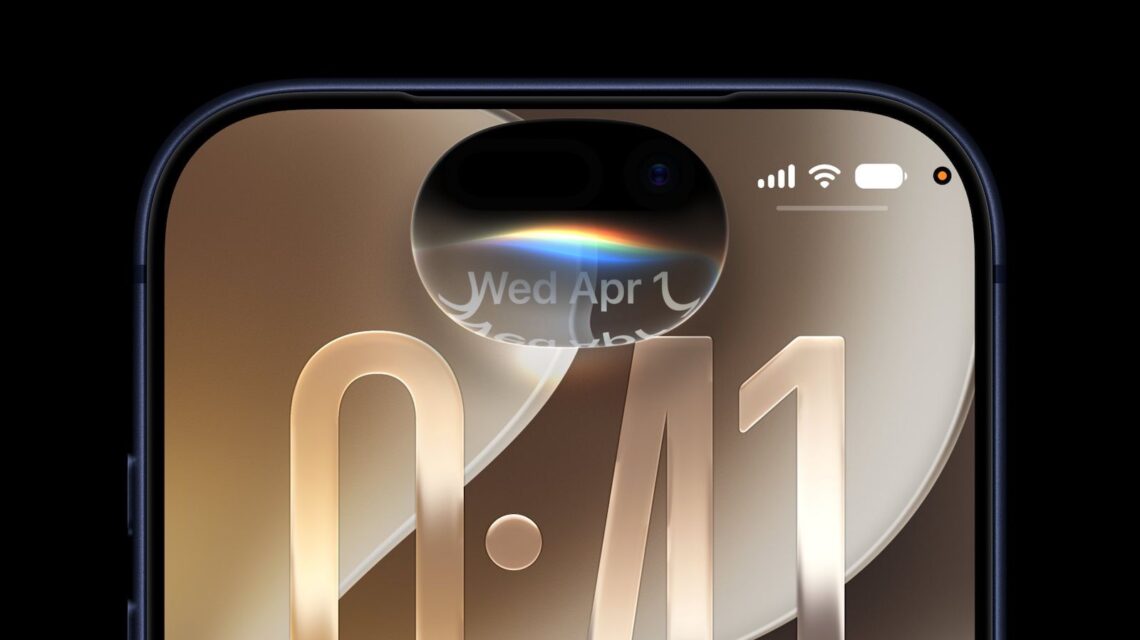
Why the Standalone Siri App Matters for Indian iPhone Users
Apple’s iOS 27 rollout introduced a dedicated Siri app that lives alongside your other icons on the Home Screen. For Indian consumers, this isn’t just a cosmetic tweak – it reshapes how we interact with voice‑first services, especially in a market where regional languages and price sensitivity dominate user behaviour.
From a Hidden Assistant to a Visible Tool
Previously, Siri was accessed via the side button or a long‑press gesture, a method that many Indian users found unintuitive, especially on older iPhone models that lack the newer press‑and‑hold features. By giving Siri its own app icon, Apple makes it discoverable for first‑time iPhone owners and for those who rely heavily on visual cues in regional languages.
Pricing in INR: What Does iOS 27 Cost?
iOS updates have always been free, and iOS 27 follows that tradition. However, the new Siri app introduces optional premium voice packs for regional dialects. Apple has announced a subscription model priced at ₹199 per month for the “Siri Multilingual Pro” bundle, which includes Hindi, Bengali, Tamil, Telugu, Marathi, and Gujarati voice packs with offline processing.
Is the Subscription Worth It?
For power users who rely on Siri for daily tasks—setting reminders in Marathi, translating English emails to Hindi, or controlling smart home devices in regional languages—the ₹199 price point is competitive compared to third‑party voice assistants that charge similar fees for offline capabilities. Casual users can stick with the default English and Hindi voices that remain free.
Local Availability: Roll‑Out Timeline Across Indian Cities
Apple’s global release schedule usually sees a staggered roll‑out, and iOS 27 is no exception. Major metros like Delhi, Mumbai, Bengaluru, and Hyderabad received the update within 24 hours of the official launch. Tier‑2 cities such as Pune, Chandigarh, and Kochi saw the update within 48 hours, while some rural regions experienced a lag of up to a week due to carrier‑level provisioning.
How to Check If You Have the New Siri App
1. Open Settings → General → Software Update.
2. If iOS 27 is installed, you’ll see a Siri icon on the Home Screen by default.
3. If it’s missing, tap App Library and search for “Siri”. If it appears there, you can drag it to the Home Screen for quick access.
Impact on Indian Apps and Services
Developers in India can now integrate Siri shortcuts directly into their apps without relying on hidden intents. This opens doors for fintech startups to let users say, “Hey Siri, pay ₹500 to Paytm,” or for e‑learning platforms to launch voice‑driven quizzes in regional languages. Apple’s new SiriKit extensions support Indian Payment Interface (IPI) standards, making compliance easier.
Case Study: A Local Grocery Delivery App
Imagine “FreshCart”, a Bangalore‑based grocery service. With the new Siri app, FreshCart can register a shortcut like “Order vegetables from FreshCart”. A user can simply say, “Hey Siri, order fresh tomatoes”. The app receives the command, confirms the quantity, and places the order—all within seconds. This reduces friction for users who may not be comfortable typing on small screens.
Practical Tutorial: Setting Up a Hindi Voice Shortcut
Below is a step‑by‑step guide for Indian users who want to create a custom Siri shortcut in Hindi:
- Open the Siri app and tap Shortcuts.
- Select Create New Shortcut → Add Action.
- Choose Apps → Messages → Send Message.
- In the text field, type your message in Hindi, e.g., “नमस्ते, मैं आज शाम ७ बजे के लिए बुकिंग चाहता हूँ”.
- Tap Next, give the shortcut a Hindi name like “बिलिंग बुक करें”.
- Enable Hey Siri trigger and say “Hey Siri, बिलिंग बुक करें”.
Now you have a fully localized voice command that works even without an internet connection if you’ve subscribed to the premium voice pack.
Comparison with Competing Voice Assistants in India
Google Assistant and Amazon Alexa dominate the Indian market, largely because they support a wider array of regional languages for free. Siri’s advantage lies in its deep integration with iOS, privacy‑first processing, and the new offline voice packs that keep data on the device. When comparing feature‑by‑feature:
| Feature | Siri (iOS 27) | Google Assistant | Amazon Alexa |
|---|---|---|---|
| Offline Voice Processing | Yes (₹199/month for regional packs) | No (cloud only) | No (cloud only) |
| Regional Language Support | 6 major Indian languages (free + premium) | 15+ languages (free) | 8 languages (free) |
| App‑Level Shortcuts | Native SiriKit integration | Google Actions (limited on iOS) | Alexa Skills (requires separate app) |
| Privacy | On‑device processing, no data sold | Data used for ad targeting | Data used for recommendation engine |
For privacy‑concerned Indian users, Siri now offers a compelling trade‑off: a modest subscription for offline, local‑language assistance.
My Verdict: A Step Forward, but Not a Game‑Changer
The standalone Siri app is a smart move that aligns with how Indian users discover new features—through visual icons rather than hidden gestures. The pricing model is reasonable, especially when you consider the cost of data plans in India, and the offline voice packs address a real concern about latency and privacy.
However, Siri still lags behind Google Assistant in sheer language coverage and free functionality. If you are an iPhone user who values privacy and wants a seamless, on‑device experience, the new Siri app is a welcome addition. For those who need a broader language set without paying extra, Google Assistant remains the more practical choice.
Bottom Line
iOS 27’s Siri app brings visibility, regional language support, and offline capabilities to Indian iPhone users. It won’t replace existing assistants overnight, but it does raise the bar for what Apple expects from its voice AI in a price‑sensitive, multilingual market.